FLUX.2: Next-Generation AI Image Creation
Discover how FLUX.2’s transformer-powered architecture revolutionizes professional AI image generation with unmatched detail, consistency, and efficiency.
Exceptional Detail & Photorealism
FLUX.2 produces realistic images up to 4MP resolution with unprecedented accuracy in rendering hands, faces, fabrics, logos, and small objects that challenge other AI models.
Multi-Reference Consistency
Reference up to 10 images simultaneously while maintaining consistent character identities, products, and styles across multiple variations for cohesive marketing campaigns and product mockups.
Speed Without Sacrifice
Enterprise-grade efficiency delivers state-of-the-art visual intelligence at low latency with balanced speed-to-quality ratio, making professional AI image generation accessible at scale.
Precision Prompt Adherence
Advanced understanding of complex text prompts ensures generated images accurately match creative visions, including readable text within images for marketing materials.
Versatile Marketing Applications
Ideal for e-commerce product shots, social media content, infographics, storyboard visualization, fashion editorials, and personalized influencer content creation.
Transformer-Powered Architecture
Built on 12-billion parameter multimodal and parallel diffusion transformer blocks for superior image generation capabilities across diverse styles and complex scenes.
FLUX.2 image model explained in simple language
If you’ve ever typed a prompt into an AI image tool and thought, “Nice… but it still looks slightly fake,” FLUX.2 is built to fix exactly that feeling. It is a new image generation family from Black Forest Labs that focuses on photorealistic detail, accurate text, and consistent characters/styles, even across many images.
You can think of FLUX.2 as a super smart camera that doesn’t just “guess” an image from your words, but actually understands objects, lighting, depth, and layout much more like a real photographer would. In this guide, we’ll walk through what FLUX.2 is, how it works in simple terms, where you can use it (OpenRouter, Cloudflare, Hugging Face, etc.), and when it makes sense for you to choose it over older models.
What exactly is FLUX.2?
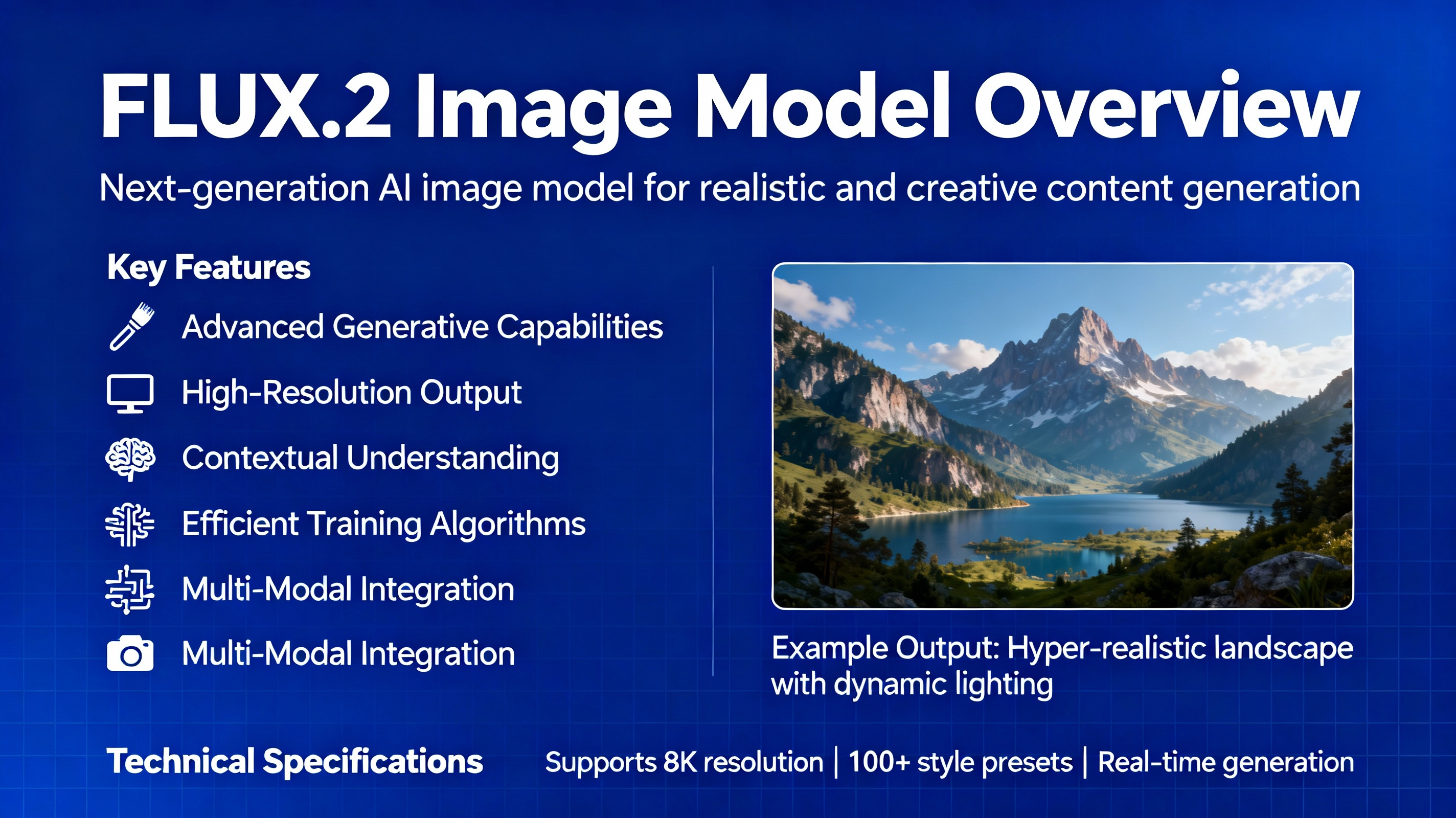
FLUX.2 is a state-of-the-art AI image generation and editing model created by Black Forest Labs. It can:
- Generate images from text prompts.
- Edit existing images using your instructions.
- Combine multiple reference images (faces, products, styles) into one consistent output.
- Produce images up to around 4 megapixels with realistic lighting, materials, and perspective.
There are different “flavors” of FLUX.2 designed for different use cases:
📌 FLUX.2 [pro]
High-end, hosted model focused on frontier-level quality, strong prompt following, and reliable output for production work.
📌 FLUX.2 [dev]
Open-weight 32B model you can run via APIs (FAL, Replicate, Together, Cloudflare Workers AI, etc.) or locally (with enough GPU). Great for developers, researchers, and advanced tinkerers.
📌 Hosted variants like FLUX.2 on OpenRouter, Cloudflare Workers AI, NVIDIA RTX optimizations, etc.
These platforms wrap the model with easy APIs, better performance, and specific pricing.
Why FLUX.2 is different from older AI image models
Put simply: FLUX.2 tries to get rid of the “AI look.”
Older models often struggle with:
- Weird hands and fingers.
- Broken text and logos.
- Inconsistent faces or characters across multiple images.
- Messy lighting or impossible reflections.
FLUX.2 is designed to handle those better by combining:
- A strong vision-language model (Mistral-based) to parse and understand your prompt.
- A rectified flow transformer that models the image in a smarter way, capturing real-world depth, geometry, and materials.
- A powerful VAE and latent flow matching system that helps it generate high-detail images efficiently.
Think of older models as students who memorize patterns, while FLUX.2 is more like an art student who actually understands cameras, shadows, and how light bounces off a coffee cup on a wooden table.
Key features of FLUX.2 you’ll actually feel in your workflow
Here are the parts that matter to creators, marketers, and devs.
1. Multi-reference support: keep faces, products, and styles consistent
FLUX.2 can take several reference images at once (e.g., up to 10 in the [dev] version) and use them to:
- Keep the same face across a full ad campaign.
- Maintain product shape, label, and color across different scenes.
- Lock in a brand visual style (lighting, palette, vibe) while changing background, pose, or context.
👉 For example, you can give FLUX.2:
- A product shot of your bottle.
- A sample lifestyle photo.
- A reference of your logo and colors.
Then ask: “Make a photorealistic hero shot on a kitchen counter with morning light, same product and style as references.”
Result: much more consistent visuals than starting from text-only prompts every time.
2. 4MP photorealistic images with real-world physics
FLUX.2 is built to generate high-resolution, photoreal images with:
- Proper lighting and reflections (e.g., glass, metal, wet surfaces).
- Clean shadows and depth (objects don’t float weirdly).
- Natural skin, hair, and fabric textures.
- Correct perspective and object proportions.
➡️ This is ideal for:
- Mock product photos.
- Social thumbnails that look more like real photography.
- Interior design concepts.
- Lifestyle scenes for ads.
Cloudflare notes that their hosted FLUX.2 model emphasizes realistic physics and lighting, making it very suitable for e-commerce, marketing, and creative photography use cases.
3. Clean text, UI, and typography
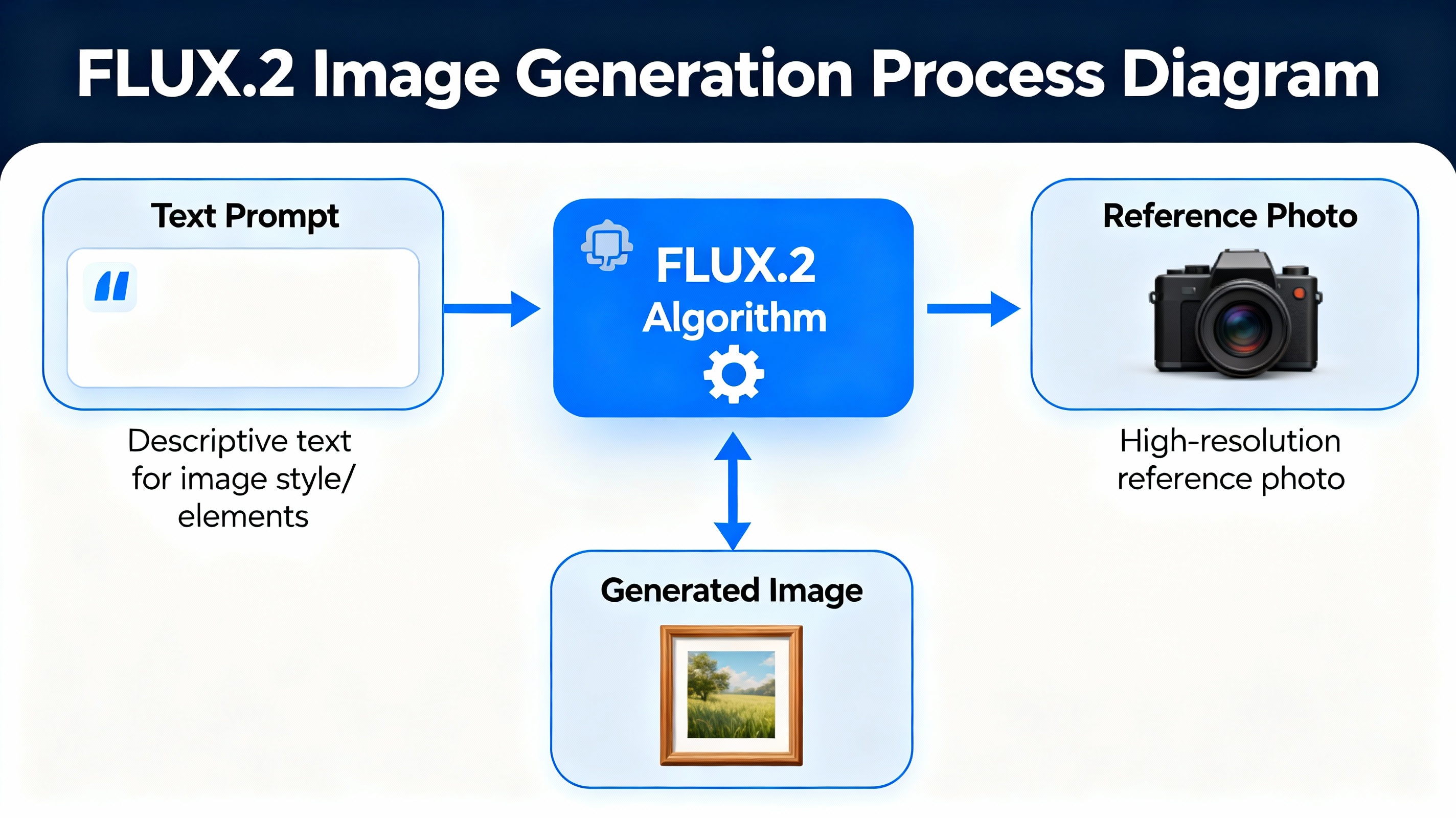
Unlike older models that often mangle text, FLUX.2 is explicitly tuned to:
- Render clean, readable fonts (even small UI text).
- Handle infographics, dashboards, and mock apps.
- Support multilingual text rendering in many cases.
This makes it useful for:
- Slide backgrounds with real words, not gibberish.
- Landing page or app UI mockups.
- Poster and banner concepts without constantly fixing text in Photoshop.
4. Precise color control and JSON-style prompting
FLUX.2 supports structured prompts (for example via JSON-like fields in some toolchains) and exact hex color control for:
- Brand colors (e.g., #FF0000 for your logo red).
- Consistent palettes across multiple generations.
- Tighter art direction for campaigns.
Instead of writing a vague prompt like:
“Make it in pastel colors,”
you can specify:
- Exact hex codes.
- Scene composition.
- Subject placement.
- Camera angle and lens feeling.
Some official docs show schemas like:
📌 "scene", "subjects", "style", "color_palette", "lighting", "mood", "background", "composition", "camera" etc.
This is powerful for teams that want repeatable, controllable outputs, not random one-offs.
Where you can use FLUX.2 today
You don’t need to install everything locally if you don’t want to. FLUX.2 is already available across many platforms.
👉 Common options:
📌 OpenRouter
Use FLUX.2 Pro via an OpenAI-compatible API. Good for apps, tools, and automation pipelines.
📌 Cloudflare Workers AI
Great if you’re already on Cloudflare. You can call FLUX.2 from serverless Workers and use it close to your users with low latency. For more details, see Cloudflare’s official FLUX.2 post at:
https://blog.cloudflare.com/flux-2-workers-ai/
📌 Hugging Face
The FLUX.2-dev model is on Hugging Face with open weights, so you can:
- Run it on your own GPU.
- Use the Diffusers library in Python.
- Experiment with quantization and custom pipelines.
📌 Other providers (FAL, Replicate, Together, etc.)
Many hosting platforms expose FLUX.2 via HTTP APIs and SDKs.
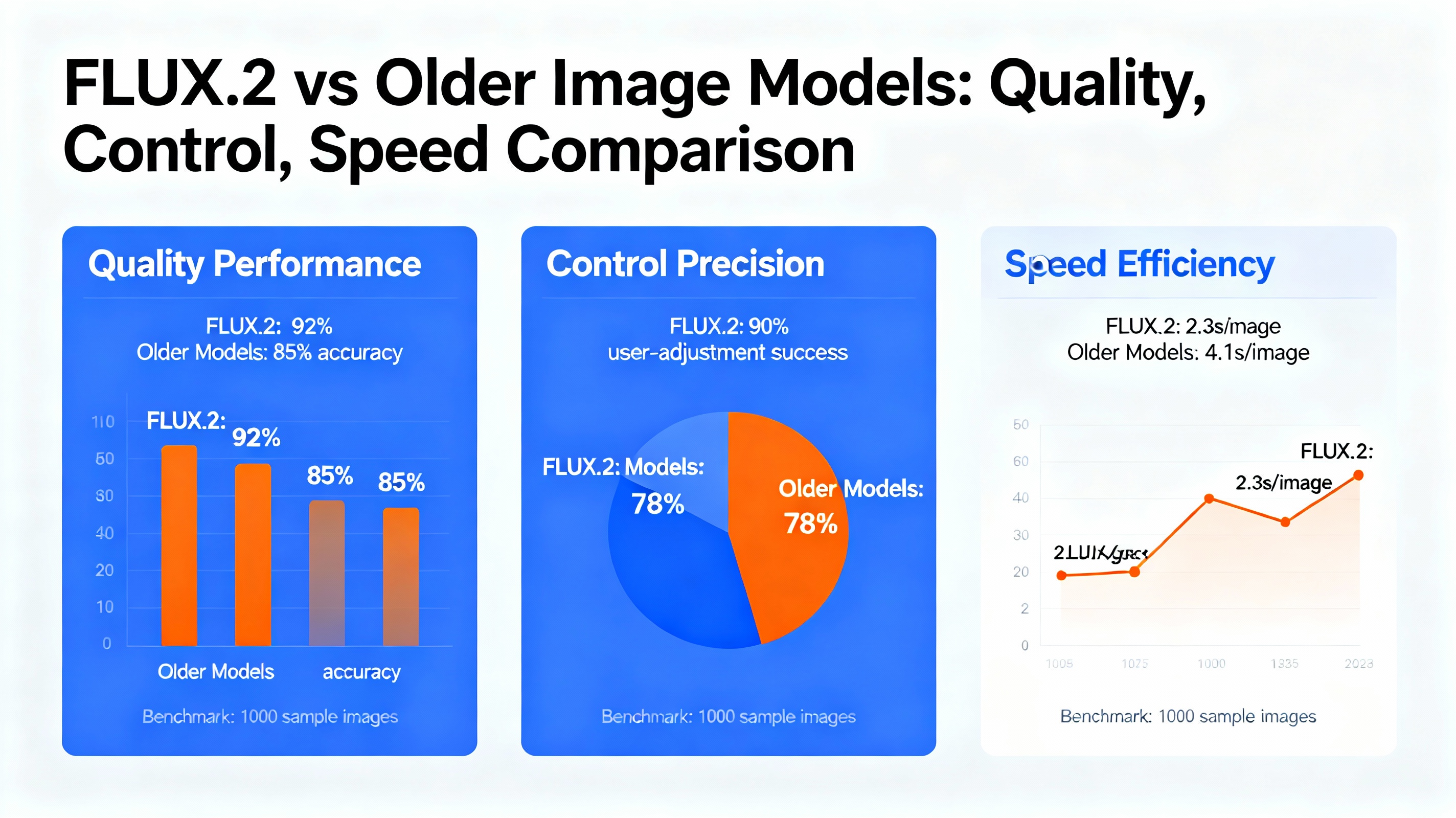
FLUX.2 vs older models: where does it shine?
Here’s a simple comparison to see when FLUX.2 might be a better choice.
| Feature / Need | Older models (typical) | FLUX.2 family |
|---|---|---|
| Photorealism at high resolution | Good but often slightly “AI-looking” | Very strong, especially for 4MP product/lifestyle |
| Consistent faces/products over many images | Often inconsistent without finetuning | Multi-reference support for strong consistency |
| Hands, small objects, geometry | Frequent artifacts | Much more reliable details and proportions |
| Clean UI text & infographics | Text is often broken or unreadable | Designed for clean typography and UI mockups |
| Brand color accuracy | Approximate, not exact | Hex-based color control available |
| Open-weight / self-hosting options | Some models, sometimes weaker quality | FLUX.2-dev is strong and open for research/dev |
| Structured / JSON-style prompting | Rare or limited | Official support in guides for structured prompts |
What are the main benefits of using FLUX.2?
Here’s how FLUX.2 can help you practically, whether you’re a solo creator or part of a team.
✅ Better-looking content with less manual fixing
You spend less time redrawing hands, fixing text, or cleaning up odd shadows.
✅ Brand consistency across campaigns
Multi-reference + hex colors + structured prompts = stable look across:
- Ads
- Thumbnails
- Landing pages
- Social posts
✅ Great for prototyping and production
You can go from “idea” → “concept image” → “refined visual” much faster, especially in marketing, product, and UI/UX contexts.
✅ Scales well for teams and tools
Because it’s hosted on platforms like OpenRouter, Cloudflare Workers AI, and Hugging Face, devs can plug it into:
- No-code platforms
- SaaS tools
- Internal design systems
Drawbacks, limits, and things to watch out for
No model is perfect. Here’s the honest side.
⛔️ Still needs careful prompting
While FLUX.2 is more forgiving, vague prompts still give vague results. You get the best outputs by:
- Giving clear scene descriptions.
- Specifying mood, style, and lighting.
- Using structured or semi-structured prompts when supported.
⛔️ Compute and cost considerations
- High-resolution photoreal images are computationally heavy.
- For heavy usage, hosting or running FLUX.2-dev may require good GPUs.
- API pricing may be higher than very small or older models, especially at scale.
⛔️ Not magic for every edge case
- Highly abstract art or non-physical impossible scenes may still look odd.
- Complex logos, tiny legal text, or ultra-detailed typography sometimes need manual edits.
Ethical and privacy considerations with FLUX.2
As FLUX.2 gets more realistic, responsible use matters more.
📌 Deepfakes and impersonation risks
Because FLUX.2 handles faces and styles so well, it can be misused to:
- Fake people in scenes.
- Imitate influencers or public figures.
Users should avoid generating deceptive or harmful content.
📌 Copyright and style mimicry
Like other image models, FLUX.2 can generate art in specific styles or reminiscent of known artists. Depending on your jurisdiction and use case:
- Be careful about copying protected styles.
- Respect platform and model licenses.
- Check the FLUX.2 [dev] license and provider terms before commercial use.
📌 Use of reference images
When you upload references (faces, products, private photos):
- Ensure you have rights and consent.
- Avoid confidential or sensitive material.
- Follow data policies of your chosen provider.
Most serious providers and Black Forest Labs themselves emphasize responsible AI usage, including guardrails and policy guidelines in their docs and terms.
Simple mental model: FLUX.2 as a “smart studio team”
Think of FLUX.2 like a small virtual studio with three roles:
The Copywriter (text encoder)
Understands what you mean when you describe a scene.The Photographer (flow transformer)
Knows how to place objects, light them, and capture depth and perspective.The Editor/Designer (VAE + controls)
Polishes details, text, colors, and composition to match your brand or reference.
You’re still the director. The clearer your direction, the better the team performs.
Practical ways you can use FLUX.2 today
Here are some easy ideas you can try immediately:
📌 Content creators & YouTubers
- Thumbnail mockups with clean text and expressive faces.
- Background scenes that match your channel’s mood and colors.
- Consistent mascot or character across videos and shorts.
📌 Marketers & founders
- Product hero shots without booking a physical studio.
- A/B test multiple ad creatives quickly.
- Branded visuals for newsletters, blogs, and social platforms.
📌 Designers & UX teams
- Concept UI screens with legible text.
- Dashboard or app preview images.
- Illustrated flows mixing icons, text, and simple scenes.
📌 Developers & tool builders
- “Generate product mockups” features in SaaS tools.
- Automated creative suggestions in marketing platforms.
- Internal content generation pipelines for design teams.
Wrapping it up: when FLUX.2 is worth your attention
If you only need quick, rough sketches, almost any image model can work. But if you care about:
- Photoreal quality that feels close to a real photo.
- Reliable faces, hands, and products across many images.
- Clean text, UI, and infographics.
- Control over color, style, and composition using structured prompts and references.
…then FLUX.2 is absolutely worth testing in your stack.
The best way to see if it fits your workflow is simple:
👉 Pick a real project: a thumbnail, an ad, a landing page hero, or a product mockup.
👉 Generate the same visual with your current model and with FLUX.2.
👉 Compare: Which one would you actually publish without heavy editing?
That side-by-side comparison will tell you more than any spec sheet — and for many creators and teams, FLUX.2 will feel like a much closer match to how they wish AI images looked in the first place.
FLUX.2 AI Image Generation Features & Pricing Comparison (2025)
This visualization compares key features and pricing of FLUX.2 AI image generation models, highlighting resolution capabilities, reference image capacity, and cost per operation across development and professional tiers.