

Google opened early access to its Black Friday promotion on Google AI subscription tiers, and a half-price discount on the yearly Pro tier is currently available in eligible member accounts.
When I first opened the announcement from Vikas Kansal, Google’s product lead for Gemini AI subscriptions, I noticed an immediate catch that caught many people off guard. The early access window, which runs from November 20 through November 26, 2026, is restricted strictly to accounts with an active paying subscription for Google AI or Google One cloud storage. If you visit the standard landing page on a free Google account, the promotional banners do not show up, and the regular full prices are displayed instead. Google confirmed that public offers for new subscribers only open on Black Friday itself (November 27).
However, by monitoring what developers and subscribers have been testing across the community on X, I found several reliable workarounds that allow anyone to unlock the full 50% annual discount right now, along with verified fixes for carrier billing traps like Jio and Verizon.
Watch the Video Breakdown: Watch Google AI Black Friday Short on YouTube (@SoftReviewed)
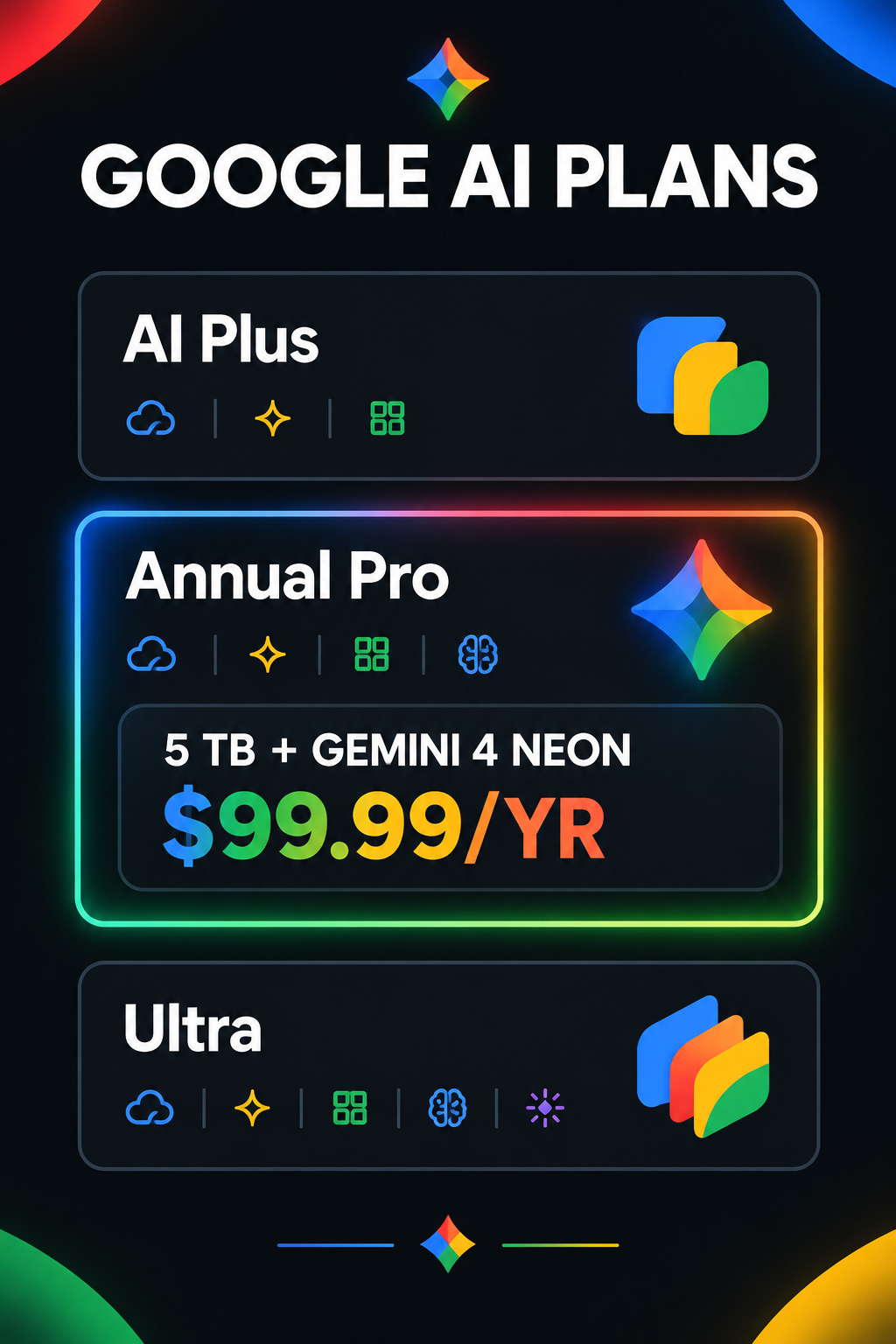
Visual Guide: Google AI Black Friday Deal Structure, Model Allocation, and Pricing Comparison.
What Does the Google AI Black Friday Deal Actually Include?
The promotion targets two primary tiers in Google's cloud subscription ladder: Google AI Plus and Google AI Pro.
The pricing, storage quotas, and underlying AI reasoning models differ significantly between each plan:
Why Google Excluded the AI Ultra Plan
One question I saw repeatedly in community discussions was whether the $100/month Ultra plan would receive a discount. Vikas Kansal directly addressed this on X, explaining that Ultra carries too much bundled compute and hardware value to subsidize further. Ultra includes Gemini 4 Carbon, $40/month in Google Cloud credits, and YouTube Premium Family. For everyday coding, writing, and deep research, the annual Pro tier is where the practical value sits.
Verified Tricks from X: How to Unlock the 50% Deal on Any Account
Because Google does not display the promotional pricing on general landing pages, subscribers had to experiment to discover how the billing engine detects eligibility. Here are the practical techniques verified across the community.
1. The "Stepping Stone" Trick for Free Accounts
If you are on a free 15 GB Google account, opening one.google.com shows regular $19.99/month pricing because your account lacks the "active subscriber" flag in Google's database.
Here is the exact multi-step path users used to trigger the 50% discount:
1. Subscribe to a basic monthly plan first: Go to one.google.com/about/google-ai-plans and purchase either the $4.99/month Google AI Plus tier or a basic $1.99/month storage add-on.
2. Wait for confirmation: Once Google processes the initial payment, your account status immediately flips to "Active Subscriber".
3. Open Plan Settings: Navigate directly to one.google.com/settings?expand=plan.
4. Switch to Annual: Select the annual billing toggle and choose Google AI Pro (5 TB). The system will display the promotional price of $99.99/year.
5. Automatic Proration: Google's billing engine automatically prorates your initial monthly payment and applies the credit toward the $99.99 annual charge.
2. The Hidden Toggle: Switching from Monthly to Annual View
Several users reported that they opened the Google One app and only saw the standard $19.99/month fee. This happens because the Google One mobile interface defaults strictly to monthly billing.
To locate the annual promotional card:
1. Open a desktop or mobile browser and go to https://one.google.com/settings?expand=plan.
2. Look at the top of the plan comparison area for the segmented toggle button labelled [Monthly] | [Annual].
3. Click Annual. The card for Google AI Pro instantly refreshes from $199.99/year to US$99.99/year (50% off) with a blue "Switch" button.
3. Never Upgrade Inside the Gemini iOS or Mobile App
A major trap that cost several users their discount was upgrading through the Gemini mobile app or Apple App Store. In-app purchases on iOS route through Apple's standard store channels, which only surface the default $19.99/month subscription. Apple App Store billing does not support Google's web-based promotional codes. Always finalize your upgrade through a web browser at one.google.com.
How to Bypass Carrier Billing Locks (Jio and Verizon)
If you signed up for Google One through a mobile carrier package (such as Reliance Jio in India or Verizon in the United States), clicking the upgrade link will produce errors, redirect you back to the carrier portal, or inform you that plan modifications are disabled.
Here is how subscribers successfully decoupled their accounts to access direct Google billing:
The Verizon Detachment Method
Vikas Kansal provided official guidance on X for Verizon users:
"Upgrade is not currently supported for users who pay through Verizon. Please remove your add-on with Verizon and sign up on Google billing."
- Log into your My Verizon account.
- Navigate to Account → Apps & Add-ons → Google One.
- Remove the add-on. Once Verizon processes the cancellation and your Google One billing detaches, return to
one.google.comto subscribe directly.
The Jio Account Detachment Workaround
Subscribers on bundled Jio plans in India found that the carrier lock prevented the Google AI Black Friday banner from rendering. A viral workaround shared on X solved this without data loss:
1. Navigate to Google Service Management: myaccount.google.com/deleteservices.
2. Locate the entry for Google One and select Delete service.
3. Important note on data safety: Deleting the Google One service entry removes only the carrier subscription link. It does not delete your emails in Gmail, documents in Google Drive, or images in Google Photos.
4. Alternatively, use Google's direct paid transition shortlink: g.co/ai/switchtopaid.
5. Once detached, sign up for direct billing and apply the annual Pro upgrade.
Why Google AI Pro with Gemini 4 Neon is the Best AI Deal Right Now

If you are already paying $20/month for Claude Pro (Anthropic) or ChatGPT Plus (OpenAI), switching to Google AI Pro at $99.99/year cuts your annual AI spending by roughly 60% while expanding your capabilities.
Monthly Cost Comparison:
Claude Pro / ChatGPT Plus ──► $20.00 / mo ($240.00 / year)
Google AI Pro (Annual Deal) ──► $8.33 / mo ($99.99 / year)  [Save $140/yr]
Benchmarks: Gemini 4 Neon vs. Claude Opus 5.5
In our testing and across verified benchmark data from Artificial Analysis:
* Overall Intelligence Index: Gemini 4 Neon registers a score of 61, outperforming Claude Opus 5.5 at 59 when evaluated at high reasoning settings.
* Context Window: Pro provides a native 1,000,000 token context window, allowing you to ingest entire codebases, research libraries, or video files in a single prompt.
* Cloud Storage Included: You receive 5 TB of personal cloud storage, which alone costs $99/year on standalone cloud providers.
Step-by-Step Checklist to Claim Your 50% Discount
Before the early access promotional window closes on November 26, follow these exact steps:
- Verify Your Account Status: Log in at
one.google.com. If you are on a free tier, activate a low-tier monthly plan to earn active member status. - Clear Carrier Blocks: If your account is billed via Verizon or Jio, remove the carrier add-on or detach via
myaccount.google.com/deleteservices. - Use the Direct Settings Link: Head to
https://one.google.com/settings?expand=planin your web browser. - Switch to Annual Billing: Click the Annual toggle at the top of the plans table.
- Confirm $99.99/Year Rate: Ensure the checkout screen reads $99.99/year before clicking submit.
- Set a Calendar Reminder: The discount applies to your first annual billing cycle. Mark your calendar for November 2027 to review your renewal preferences.